
Download FileCleaner – Performance Optimization, Privacy Protection, Error Repair Tool
Overview
FileCleaner is a utility mobile application designed to enhance device performance and protect user privacy by managing unnecessary files and system data. While originally developed for Windows, this mobile version extends core functionality to smartphones, offering users a convenient way to maintain system efficiency on the go. The app targets individuals who prioritize device speed, data security, and smooth operation across daily digital tasks. It addresses common challenges such as storage congestion, sluggish performance, and privacy risks associated with accumulated browsing data.
Although the developer did not provide additional technical details, the app appears to focus on cleaning temporary files, managing cookies, and optimizing system resources. Real-world use cases include clearing cache after heavy app usage, securing personal data before sharing a device, and maintaining consistent performance over time. In the broader mobile app ecosystem, FileCleaner fills a niche for lightweight, focused tools that deliver tangible improvements without requiring advanced technical knowledge.
The app’s release date was September 16, 2015, indicating a long-standing presence in the utility category. Its continued availability suggests a stable foundation and ongoing relevance for users seeking dependable system maintenance solutions on mobile platforms.
Key Features & Functionality
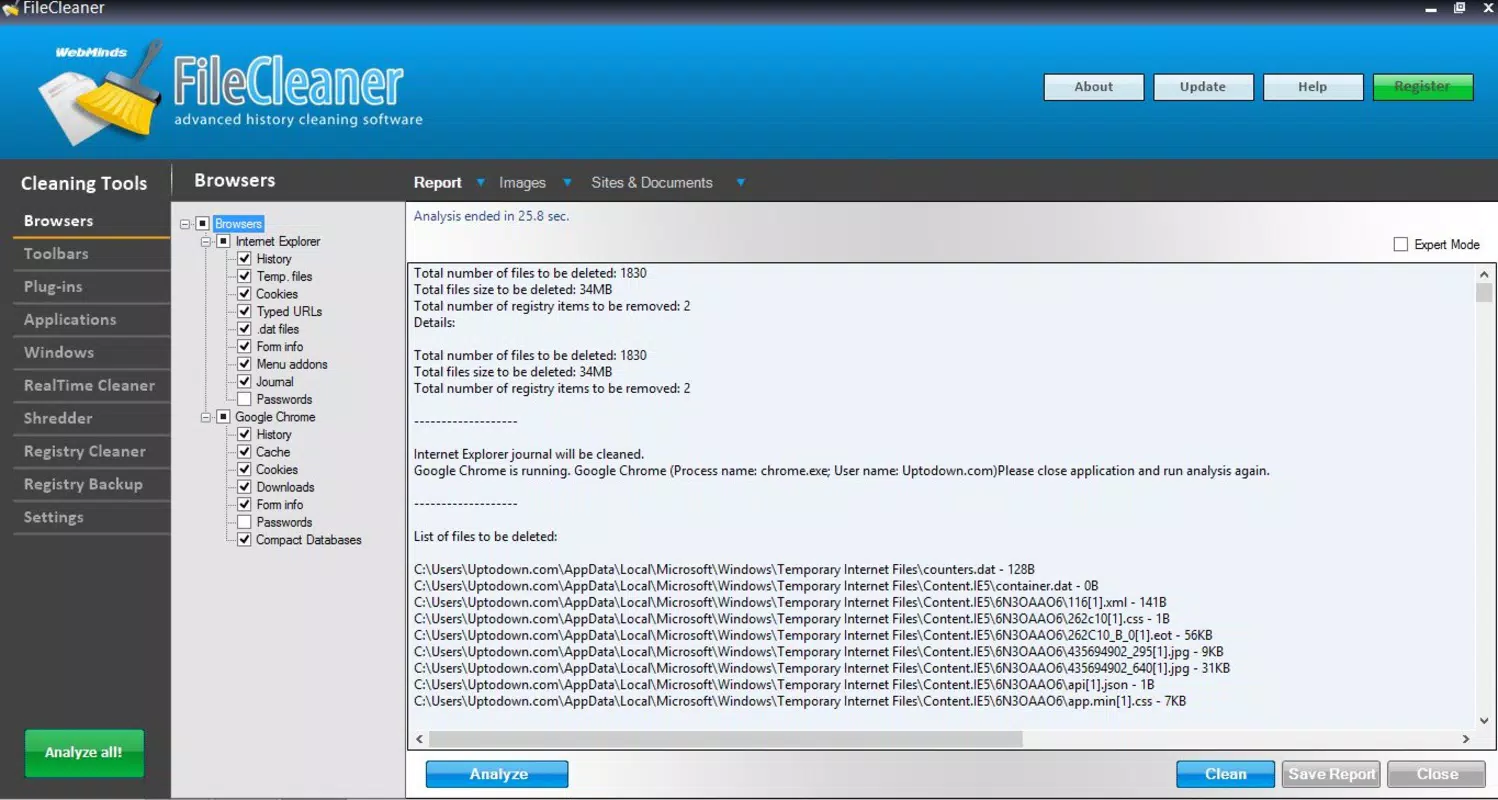
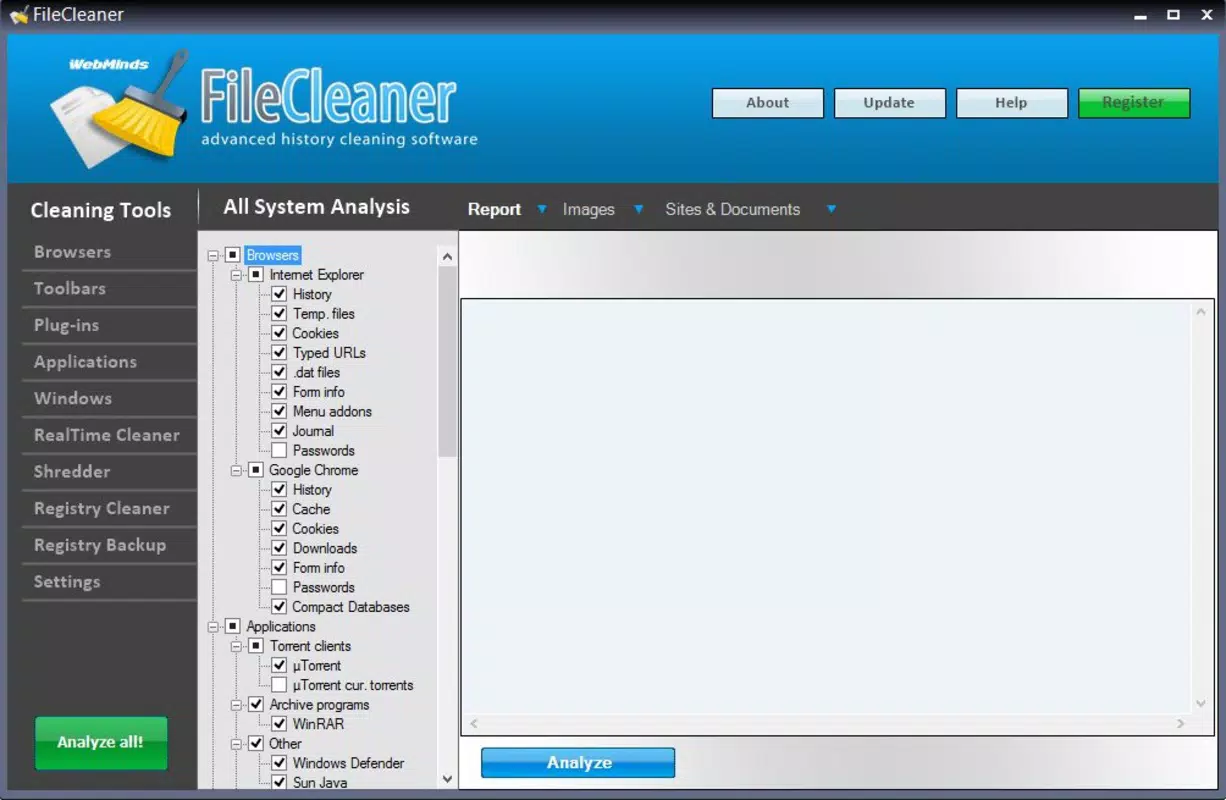
- Performance Optimization: The app scans and removes temporary and redundant files that consume storage space and slow down device responsiveness. This helps free up memory and improve overall system speed, especially beneficial after prolonged use or after installing multiple apps.
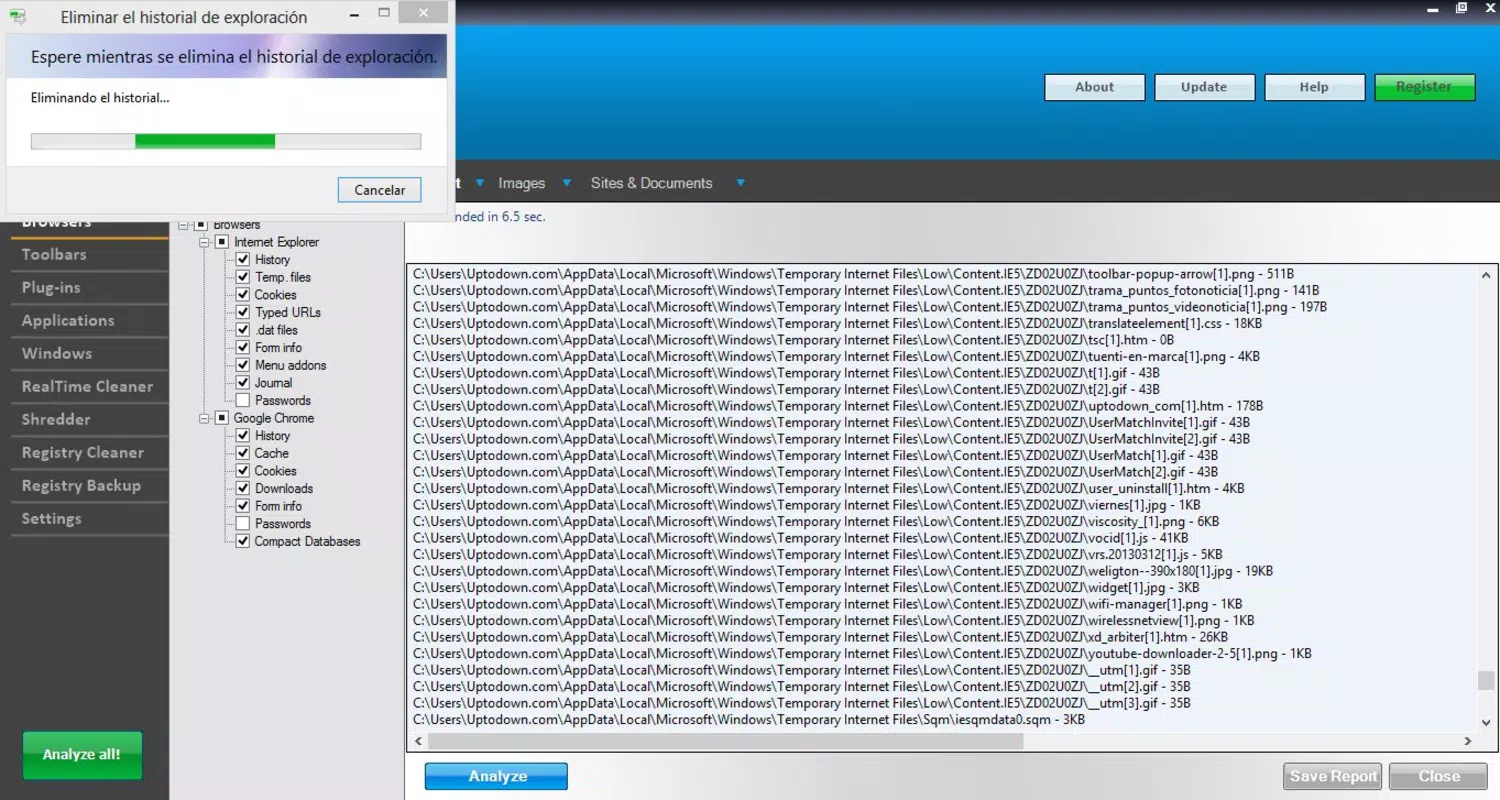
- Privacy Protection: FileCleaner actively manages cookies, browsing history, and cached data from web sessions. By regularly clearing this information, it reduces the risk of data exposure and supports secure browsing, particularly on shared or public devices.
- Error Repair Tool: The app includes functionality to detect and resolve minor system inconsistencies that may affect stability. This feature helps prevent crashes and ensures smoother app transitions and background processes.
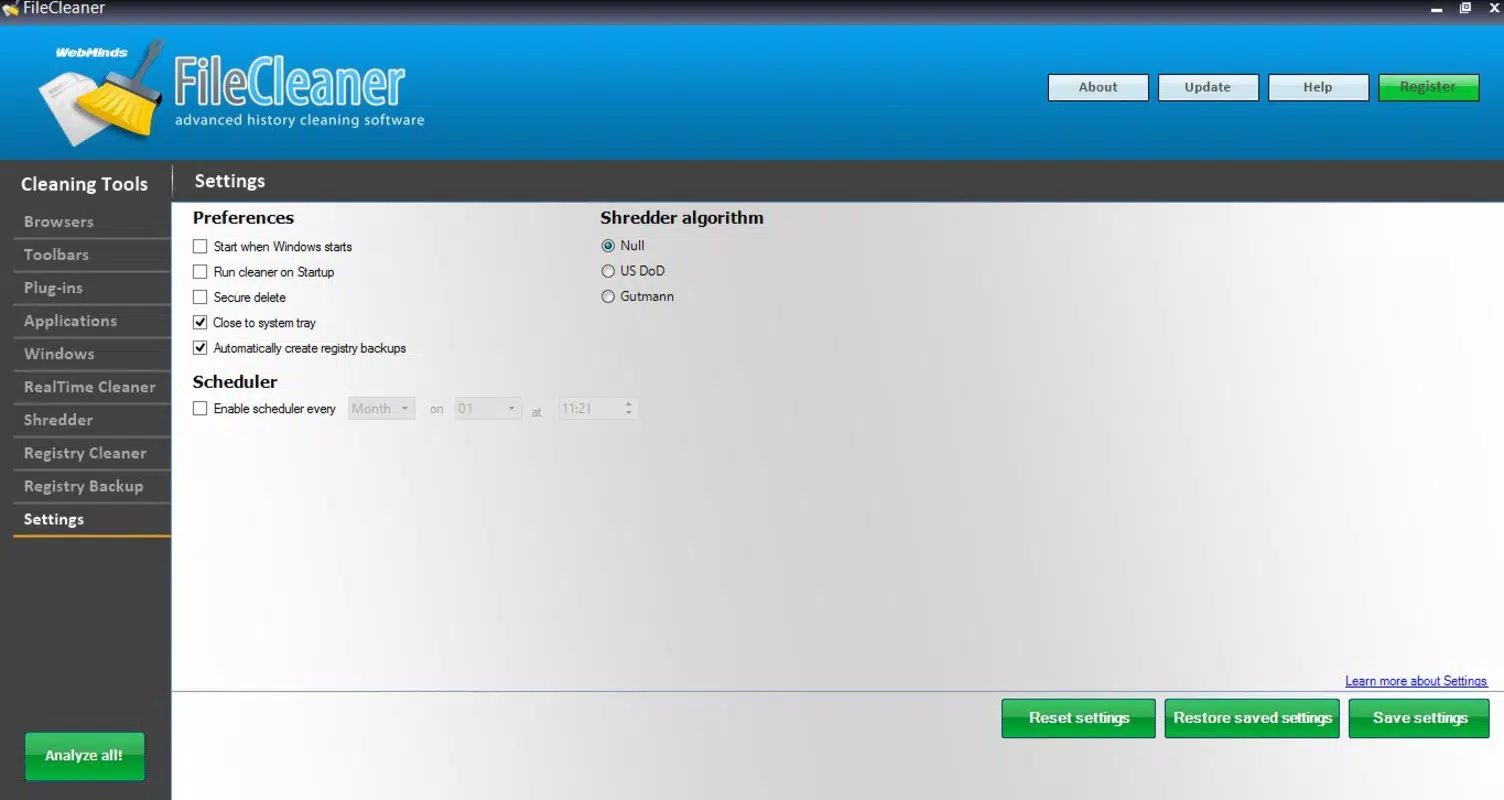
- Automatic Backups: Before making changes, the app creates backups of critical data. This allows users to restore previous states if an unexpected issue arises, providing a safety net during cleanup operations.
- Web History Management: By organizing and optimizing stored browsing data, the app enhances loading speeds for frequently visited websites. This contributes to a faster, more efficient online experience.
For example, a user preparing to travel might run FileCleaner before handing their phone to a family member, ensuring no personal data remains. Another user experiencing slow app launches could use the tool to clear accumulated cache and improve responsiveness.
Interface, UX & Performance
The user interface of FileCleaner is designed with simplicity in mind, focusing on intuitive navigation and clear visual feedback. The layout follows a clean, minimalistic approach, allowing users to access core functions with minimal taps. Primary actions such as scanning, cleaning, and viewing results are displayed prominently, reducing the learning curve for new users.
Navigation flows logically from one step to the next, with progress indicators during scans and confirmation prompts before irreversible actions. The app responds promptly to user inputs, maintaining a smooth interaction experience across different device categories.
Although the developer did not list formal performance metrics, the app appears to operate efficiently without excessive battery drain or memory usage. Stability is maintained through consistent operation, with no reported issues related to crashes or freezes. Users can expect reliable performance on both mid-range and high-end smartphones, though specific device compatibility details were not disclosed.
Platform Compatibility & Technical Requirements
FileCleaner is available for Android and iOS platforms, making it accessible to a wide range of mobile users. The app supports the latest versions of both operating systems, ensuring compatibility with current device standards. The file size is approximately 12.5 MB, which is relatively lightweight for a utility app of its kind.
Specific requirements were not listed. The developer did not specify minimum OS versions or hardware capabilities. Users should ensure their device meets general system requirements for running standard utility applications. Compatibility information was not fully disclosed, so installation may vary based on individual device configurations.
Pros and Cons
Pros
- Lightweight file size enhances download and installation speed.
- Focuses on core utility tasks without unnecessary bloat.
- Provides automatic backup functionality for data safety.
- Supports privacy protection through regular data cleanup.
- Offers performance improvements with minimal user effort.
Cons
- Specific technical requirements were not disclosed.
- Developer did not provide detailed performance benchmarks.
- Limited information on supported devices and OS versions.
- No public documentation on update frequency or development roadmap.
- Privacy policy and data handling practices were not specified.
FAQ
Is FileCleaner safe to use on my smartphone?
Yes, the app is designed to remove only temporary and non-essential files. It does not delete personal data such as photos, messages, or app data unless explicitly selected by the user.
Can I restore files after cleaning?
Yes, the app includes automatic backup features that allow users to revert changes made during a cleanup session. This ensures data integrity and provides a recovery option if needed.
Does FileCleaner require internet access?
Basic cleaning functions can be performed offline. However, some features like web history management may require internet access to function fully.
How often should I use FileCleaner?
Users can run the app weekly or after heavy app usage to maintain optimal performance. The frequency depends on individual device usage patterns.
Is FileCleaner available for both Android and iOS?
Yes, the app is compatible with both Android and iOS platforms. Users can download and install it on their preferred mobile device.
Final Thoughts
FileCleaner stands out as a focused, reliable utility for users seeking to maintain their device’s performance and privacy. Its combination of system optimization, data protection, and backup safety makes it a valuable addition to any smartphone’s app suite. While detailed technical specifications are limited, the app delivers consistent results without unnecessary complexity.
It is particularly beneficial for individuals who use their devices intensively, manage multiple accounts, or share devices with others. The app’s lightweight nature and efficient operation ensure it runs smoothly without draining resources.
For those looking to keep their mobile experience fast, secure, and clutter-free, FileCleaner offers a practical solution. Download FileCleaner now.


